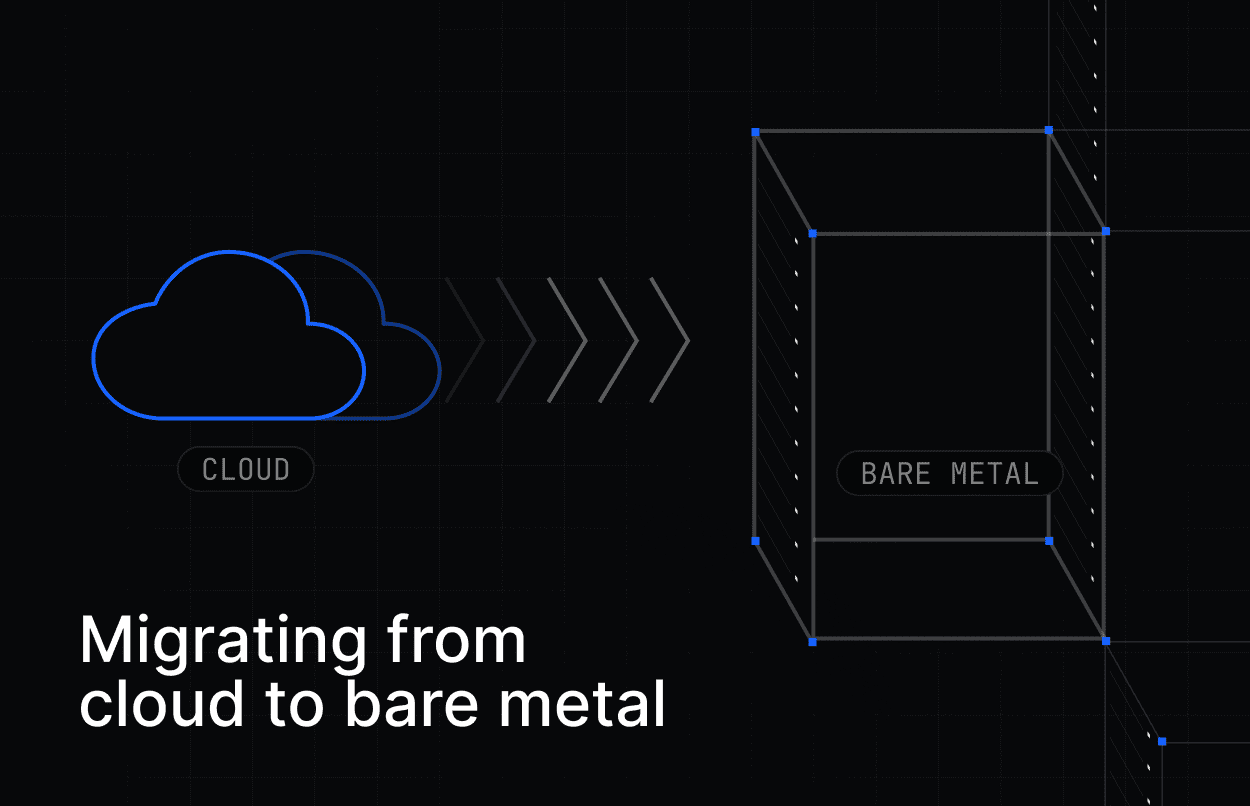
Migrating from cloud to bare metal means moving selected workloads from virtualized cloud infrastructure to dedicated physical servers.
For many teams, this kind of migration isn’t about abandoning the cloud entirely. Rather, it’s a strategic choice and a recognition of the reality that not all of their workloads are best suited in the cloud.
By matching each workload to the environment that best fits its performance needs, cost profile, and the team’s capacity to manage it, infrastructure decision makers can reduce cloud waste, improve performance consistency, and build systems that are easier to control as they scale.
In that case, the success of a migration hinges on identifying the right workloads, selecting a bare metal option that matches their needs, and executing the move in a way that reduces risk and operational friction.
This guide offers a simple walkthrough of the cloud-to-bare-metal migration process in three phases: identifying the right workloads, choosing a bare metal option, and planning the move from cloud to bare metal.
Phase 1: Identifying the right workloads
The first step in a cloud-to-bare-metal migration is deciding what should move.
There is no one-size-fits-all answer when it comes to infrastructure. Bare metal servers and cloud each have different benefits, tradeoffs, and operational implications depending on the workload.
The strongest candidates for bare metal tend to be workloads that are demanding, but steady. These are workloads that may not benefit much from the ability to scale up and down quickly, which is one of the cloud’s biggest advantages.
At the same time, they often have characteristics that can become expensive, inconsistent, or harder to tune in a virtualized environment:
Always-on: Workloads that run continuously and consume a predictable baseline of compute, memory, storage, or network capacity.
Latency-sensitive: Applications where small changes in response time can affect user experience, transaction speed, or application performance.
Bandwidth-heavy: Systems that move large amounts of data between users, services, regions, storage layers, or external networks.
Compute-intensive: Workloads that place sustained demand on CPU, GPU, memory, storage I/O, or other hardware resources.
Some of the prime candidates include:
High-performance databases: Large MySQL, PostgreSQL, Oracle, or MongoDB installations where local NVMe storage and dedicated resources can support faster, more predictable performance for database workloads.
AI/ML training and inference: LLM training, model fine-tuning, and inference services that benefit from direct access to dedicated CPU, GPU, memory, and storage resources.
Big data analytics and data lakes: Sustained data processing jobs that need to run 24/7 or move large volumes of data.
High-traffic services and APIs: SaaS platforms, content delivery nodes, and high-throughput API backends with predictable traffic patterns.
Disaster recovery and backup: Backup repositories, replication targets, and warm standby environments for when primary infrastructure fails.
Network-intensive applications: Gaming servers, high-frequency trading platforms, and streaming services where latency, throughput, and network consistency matter.
On the other hand, workloads that experience spiky, inconsistent, or unpredictable traffic are probably a better fit for the cloud.
Many organizations benefit most from a hybrid approach where workloads are placed according to fit, with always-on, bandwidth-heavy, and performance-sensitive workloads on bare metal, while other services remain in the cloud.
Phase 2: Finding a bare metal option that works for you
Once you know which workloads are worth moving, the next step is finding a bare metal option to run them on.
For some teams, “bare metal” still brings to mind the pre-cloud version of dedicated infrastructure: slow procurement, manual setup, long contracts, and a lot of hardware responsibility.
That version still exists, if you want it, but it is no longer the only path.
Today, teams generally have three options:
On-premises infrastructure: Your organization buys, houses, powers, cools, secures, and maintains the physical servers. This offers maximum control, but also the highest operational burden.
Colocation: Your organization owns the servers, but places them in a third-party data center. The facility provider handles the building, power, cooling, and physical security, while your team remains responsible for the hardware itself or outsources that management to an on-site team.
Bare Metal as a Service: Your organization leases dedicated physical servers from a provider. The provider manages the data center, hardware, power, cooling, and physical maintenance, while your team manages the operating system, applications, data, and workload layer.
For many cloud-to-bare-metal migrations, BMaaS is the most practical starting point. It gives teams access to single-tenant physical servers without requiring them to buy hardware, staff a data center, or take on the full operational model of colocation.
A BMaaS provider like Rackdog also makes bare metal easier to manage for teams that are used to the cloud. Servers can be provisioned in as little as six minutes, with API access and support for infrastructure-as-code workflows.
The right option depends on how much control your team needs and how much infrastructure responsibility it wants to own. For teams looking to move selected workloads out of the cloud without rebuilding their entire operating model, BMaaS is often the lowest-friction path.
Phase 3: The migration walkthrough
Once you have identified a workload and chosen a bare metal option, the next step is planning the move.
A cloud-to-bare-metal migration is best approached as a controlled transition, not a single cutover event. The safest starting point is usually one workload that is meaningful enough to prove the value of bare metal, but contained enough to test and roll back if needed.
Example: Migrating a workload to Rackdog bare metal
To make the process more concrete, here’s how a team might approach a typical cloud-to-bare-metal migration with Rackdog.
1. Identify the workload and requirements
Start by choosing the workload you want to move and documenting how it runs today. This includes CPU, memory, storage, bandwidth, latency, region, operating system, and any GPU requirements, along with important dependencies such as databases, object storage, secrets, queues, monitoring, DNS, and load balancers.
For many teams, the safest first move is not to migrate everything at once. They may choose to move the application servers first while keeping databases, storage, or other managed services in place until the new environment is proven.
2. Select and provision the bare metal server
Once the workload requirements are clear, Rackdog’s infrastructure team can help translate them into a bare metal configuration with enough headroom for production use.
After the configuration is selected, the server can be provisioned through the Rackdog dashboard or API in as little as six minutes.
From there, your team can select the operating system, configure networking, apply access controls, and prepare the server for the workload.
3. Prepare the target environment
Next, set up the software layer the workload needs to run. Depending on the application, this may include packages, containers, runtime dependencies, environment variables, monitoring agents, backup tools, CI/CD connections, or configuration management.
The goal is to make the new bare metal environment behave like the current cloud environment from the application’s point of view before production traffic is moved.
4. Validate dependencies and move required data
Before cutover, confirm that the workload can reach everything it depends on. This may include databases, APIs, storage buckets, container registries, secrets, logging tools, and internal services.
If data needs to move with the workload, choose the least disruptive transfer method, such as replication, snapshots, database exports, or staged file syncs. Then validate that data, permissions, application behavior, and service connections match expectations.
5. Test before cutover
Where possible, run the cloud and bare metal environments in parallel. This gives your team time to test the new server using a temporary hostname, controlled traffic, or internal validation before users are routed to it.
During this stage, check application behavior, logs, metrics, network performance, SSL, background jobs, and core user flows. The original cloud environment should remain available as a rollback path.
6. Cut over traffic
Move production traffic when the new environment is ready. This may involve updating DNS, changing load balancer targets, adjusting firewall rules, or gradually shifting traffic depending on the architecture.
A clean cutover plan should include clear success checks and a defined rollback path in case the new environment does not behave as expected.
7. Monitor, tune, and expand
After cutover, continue tracking performance, latency, throughput, error rates, resource utilization, and application logs.
Once the first workload is stable, your team can tune the configuration and decide whether additional workloads should move to bare metal as part of a broader hybrid infrastructure strategy.
Every migration brings its own requirements, so the exact process will vary. The key is to plan ahead, validate each step, and keep the original environment available until the new bare metal deployment has proven itself under real production traffic.
Final takeaway
Migrating from cloud to bare metal is a big infrastructure decision, but it does not need to be a disruptive one.
By understanding which workloads are the right fit, choosing a dedicated infrastructure model that matches the team’s needs, and planning the move carefully, organizations can reduce cloud waste, improve performance consistency, and build an infrastructure strategy that is easier to control as they scale.
Exploring a migration from cloud to bare metal? Get in touch with an infrastructure expert from the Rackdog team to discuss your needs, plan your migration, and find a bare metal solution that’s right for your workload.